
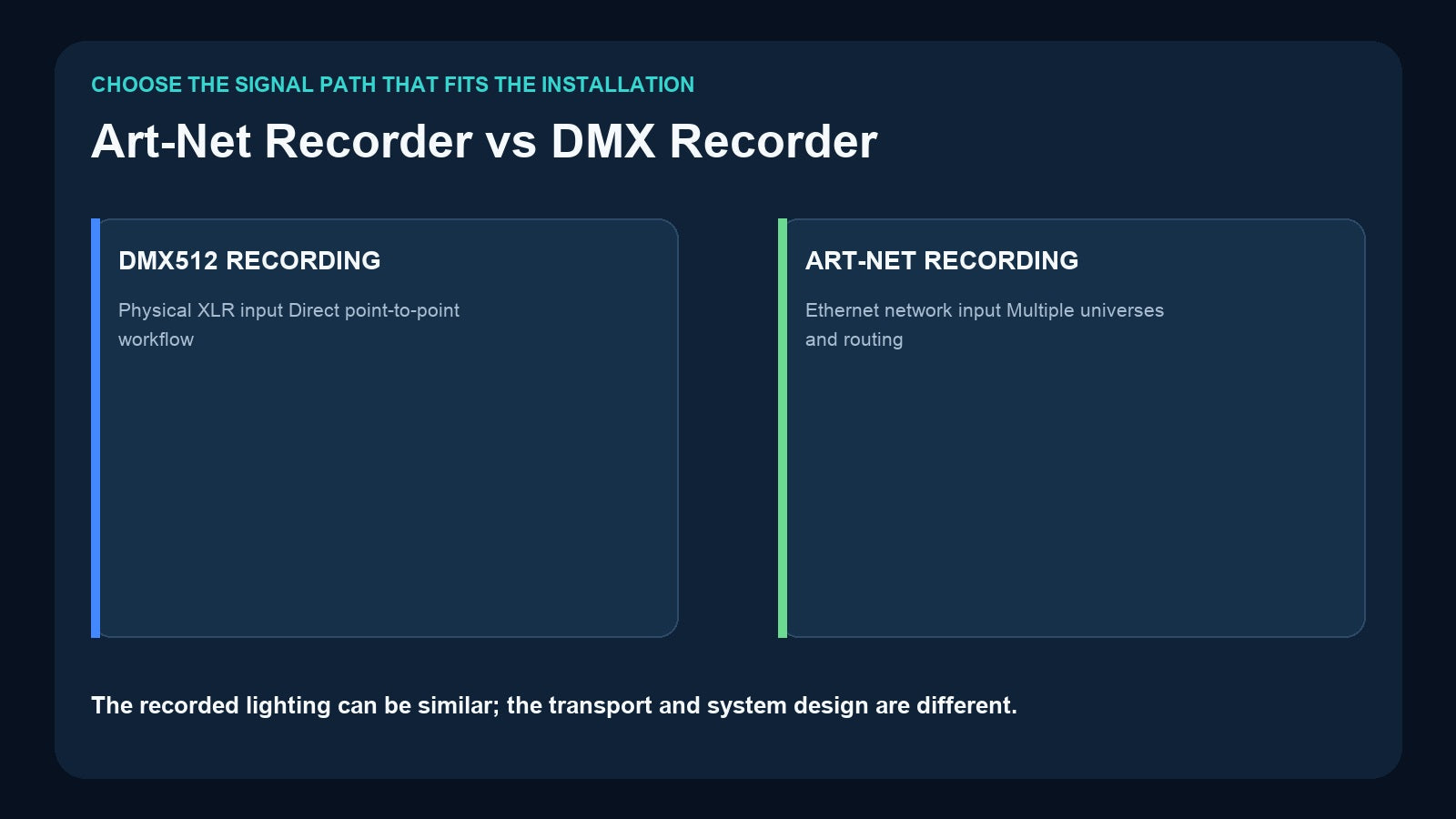
An Art-Net recorder and a conventional DMX recorder may preserve very similar lighting changes, but they receive those changes through different system architectures. A DMX recorder listens to a physical DMX512 line. An Art-Net recorder receives universe data over an Ethernet network and may also convert that data back to physical DMX outputs.
The right choice is not simply “new protocol versus old protocol.” It depends on the existing signal source, universe count, cable infrastructure, output locations, network skills, and whether the recorder must also work as a node.
The Core Difference Is Transport
DMX512 and Art-Net can carry the channel values that make fixtures respond, but the delivery method is different.
With conventional DMX recording, a console or interface sends a physical DMX signal through an XLR cable into the recorder. The recorder captures the changing values, stores them, and later sends DMX to the fixtures or distribution system.
With Art-Net recording, a console or computer sends DMX universe data as network traffic over Ethernet. The recorder joins that network, listens to the configured universes, stores the content, and may output physical DMX through built-in node ports.
The lighting effect can look identical at the fixtures. What changes is the topology, configuration, scale, and troubleshooting process.
The Physical DMX Recording Path

A conventional path is easy to visualize:
Console or interface → XLR DMX input on recorder → recorder DMX output → fixtures or splitter
This direct connection is useful when:
- The source already provides physical DMX output.
- The system uses one universe or a small number of dedicated lines.
- The installation team prefers cable-based commissioning.
- No Ethernet routing or universe mapping is required.
- The recorder is located near the console output or DMX distribution point.
The DR & PB MINI follows this compact one-universe approach. It records up to 512 changing DMX channels to microSD and supports record IDs 1–255. During external DMX playback, one control channel selects the recorded program and another controls dimming.
For a larger fixed-install physical-DMX workflow, the CM002 provides four DMX inputs and four outputs, TF-card playback, app operation, audio outputs, and TCP/UDP/RS485 integration.
The Art-Net Recording Path

A typical Art-Net path is:
Console or lighting software → Ethernet connection or network switch → Art-Net recorder/node → physical DMX outputs → fixtures
Art-Net is valuable when several universes must travel through shared network infrastructure or when the source is software running on a computer. Ethernet can carry multiple mapped universes to a node placed near the fixture lines, reducing the need to run many long DMX cables back to the control position.
The Pknight 4-Universe Art-Net DMX Recorder/Player handles four Art-Net universes, up to 2048 channels. It records to microSD, provides standalone playback, and converts Art-Net to four DMX output ports. A selectable DMX input can also be transmitted over Art-Net. The DMX outputs are RDM-ready, and network configuration supports DHCP or manual IP settings.
This makes the device more than a recorder: it is also part of the signal-distribution architecture.
What Changes When You Move to Art-Net?

Cabling
Physical DMX uses a dedicated DMX line for each universe path. Art-Net uses Ethernet between the source and network node, then normally returns to physical DMX for conventional fixtures.
Universe scale
A physical DMX input usually represents one universe. A network link can transport multiple universes, limited by the devices and network design rather than one 512-slot line.
Configuration
DMX commissioning focuses on addresses, termination, cable paths, and signal distribution. Art-Net adds IP addressing, DHCP or manual configuration, universe mapping, switch paths, and network-interface selection.
Device role
A conventional recorder may be dedicated to recording and playback. An Art-Net recorder may also act as the node that converts network universes to physical outputs.
Troubleshooting
For DMX, technicians trace a physical signal line. For Art-Net, they must verify both network communication and the downstream DMX outputs. A correct fixture address will not help if the wrong Art-Net universe is mapped to the port.
Choose by the Signal You Already Have

If a console already provides one physical DMX universe and the recorder will sit beside it, a one-universe DMX recorder is usually the simplest path.
If the source is lighting software that outputs Art-Net, or the show already uses an Ethernet network for multiple universes, an Art-Net recorder avoids an unnecessary conversion before recording.
If the content is only a group of static scenes, the CM003 5-Button Scene Controller can capture scene data from DMX512, Art-Net, or sACN. It provides five physical buttons and up to ten On Press/On Release scene actions. Because it stores scenes rather than changing timelines, choose it according to content type as well as input protocol.
This is an important distinction: protocol compatibility does not define the recording format. A device may accept Art-Net yet store only a static scene, while another records a complete changing DMX timeline.
When a Network Recorder Makes Sense
Choose an Art-Net recorder when several of these are true:
- The show uses multiple universes.
- The source is a computer or console already transmitting Art-Net.
- Ethernet reaches the desired recorder/node location.
- Physical DMX outputs are needed close to the fixtures.
- Recorder and node functions should be combined.
- The installation team can document and maintain IP and universe mapping.
Choose a conventional DMX recorder when:
- The source is one or more physical DMX outputs.
- The cable route is short and direct.
- The required universe count is small.
- Simple commissioning is more valuable than network routing.
- The recorder should remain independent of a larger lighting network.
Neither choice is inherently more professional. A well-documented physical DMX system can be better than an unnecessary network, while a properly designed Art-Net system can make a multi-universe installation much easier to distribute.
Art-Net Commissioning Checklist
Before recording, verify the network and mapping—not only the visual result.

- Universe mapping: confirm which source universe reaches each recorder input and DMX output port.
- IP method: decide whether the installation uses DHCP or documented manual IP addresses.
- Subnet and interface: confirm the source computer or console uses the intended network interface and can reach the recorder.
- Switch path: document switches, uplinks, and the recorder’s Ethernet connection.
- Output assignment: label physical DMX ports and the fixture lines they feed.
- Playback trigger: record the external DMX channels, program IDs, or local control procedure.
- Power-up behavior: test the router/switch, recorder, nodes, and fixtures after a complete power cycle.
- Backup: copy microSD content and save the network configuration with the show documentation.
Do not rely only on a successful live test. A system should also recover predictably after power loss and remain understandable to the next technician.
Hybrid Systems Are Normal
Art-Net does not mean every fixture becomes a network device. Many systems use Ethernet for distribution and physical DMX for the final connection.

For example, a software controller can send four Art-Net universes through a switch to a recorder/node near the stage. The node converts those universes to four wired DMX outputs feeding fixtures and splitters. During normal operation, the recorder can play stored content without the original computer.
The reverse direction can also be useful: a selectable physical DMX input can be converted to Art-Net for transport across the network. The important task is to document which mode is active and how each universe is mapped.
Do You Need Art-Net Just Because the System Is Large?
Not always. Universe count and transport are related but separate decisions. A project may use several physical DMX lines without a lighting network, while a small installation may use Art-Net because the source software and cabling already support it.
First calculate the required universes using the method in How Many DMX Universes Do You Need?. Then decide whether those universes should travel as physical DMX, Art-Net, or a hybrid of both.
Frequently Asked Questions
Does Art-Net replace DMX512 fixtures?
Usually no. Art-Net transports universe data over Ethernet. A node commonly converts it to physical DMX512 for standard fixtures.
Is Art-Net always better for multiple universes?
It can simplify distribution, but it also adds network configuration. The benefit depends on the cable layout, source, node locations, and team experience.
Can the 4U Art-Net Recorder be controlled from DMX?
Yes. Its external two-channel personality uses one channel to select shows 1–255 and another for master dimming.
Can one recorder accept DMX, Art-Net, and sACN?
Protocol support is product-specific. CM003 accepts scene data from DMX512, Art-Net, and sACN; the 4U recorder discussed here is positioned for Art-Net recording plus selectable DMX input. Confirm the current product specification before system design.
Final Recommendation
Choose a physical DMX recorder for a direct, small-universe XLR workflow. Choose an Art-Net recorder when Ethernet distribution, multiple universes, and node outputs are part of the system architecture. Choose a hybrid path when the network should carry the show across the venue but conventional DMX fixtures still need local wired outputs.
Then confirm the content format. Static scenes, timed sequences, music-led shows, and integrated venue control require different recorder capabilities. Use Which DMX Recorder Do You Need? to match the transport decision to the correct Pknight playback workflow.
Need help matching a recorder to your DMX system? Review the linked product pages or contact Pknight with your universe count, signal type, playback content and preferred trigger method.