
Church lighting is often programmed by one technically confident person but operated every week by a rotating volunteer team. That gap creates a familiar problem: the system can produce beautiful looks, yet routine operation still depends on someone remembering console pages, fixture groups, cue numbers, and recovery steps.
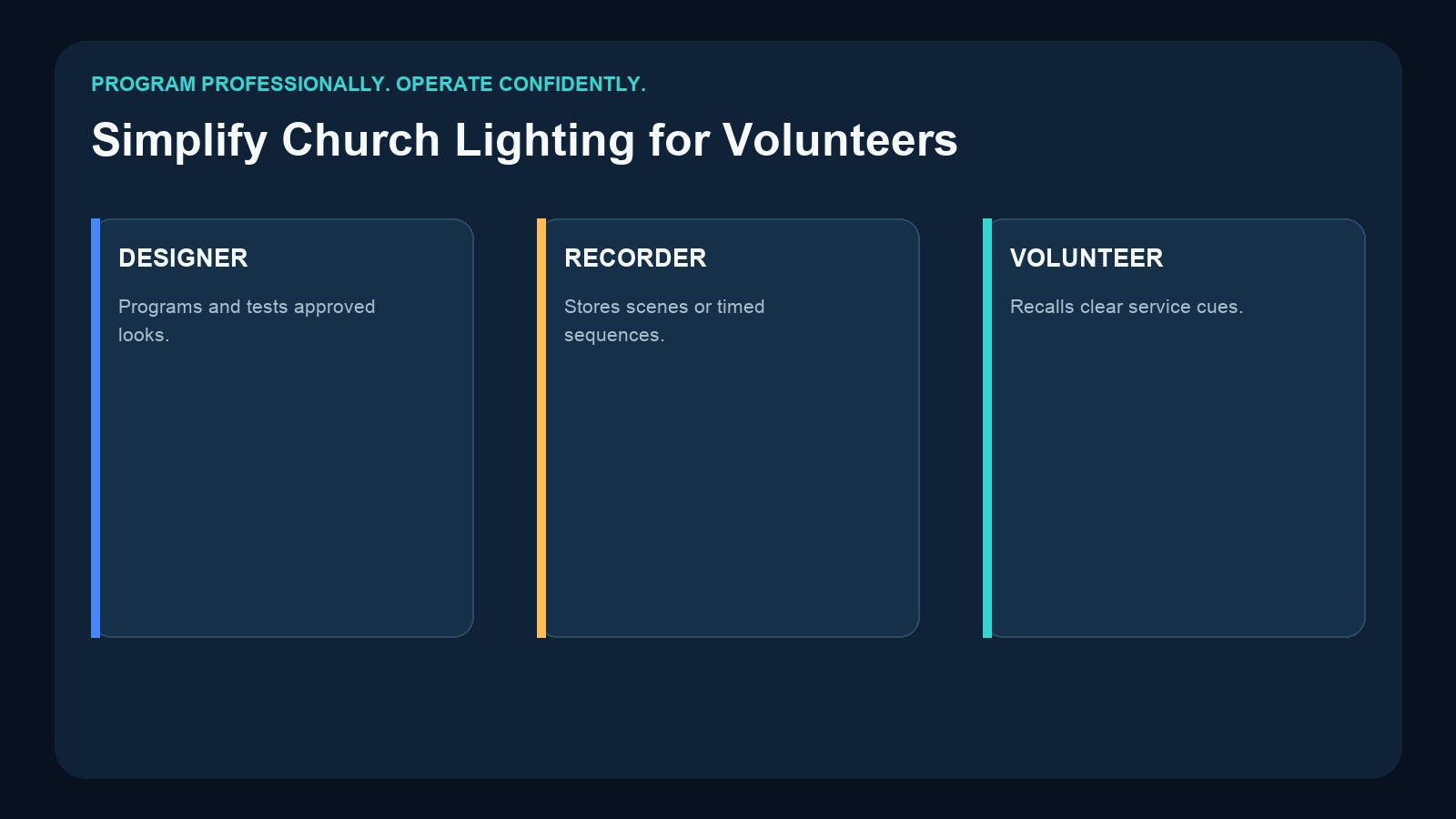
The solution is not to remove professional programming. It is to separate programming from playback. A designer builds and tests the lighting on a console, approved content is stored in the right type of recorder, and volunteers receive only the controls required for the service.
This guide shows how to build that handoff with Pknight scene controllers and DMX recorders while keeping the system understandable, repeatable, and ready for future growth.
Start with the Sunday Operator, Not the Equipment Rack
Before choosing hardware, list what the person at front of house actually needs to do. A typical service may require only a few decisions:
- Welcome guests with the house and stage ready.
- Move into the worship look.
- create a clear, comfortable sermon look.
- Recall a quieter prayer or reflection look.
- Bring up safe closing or cleaning lights.
Those are operational names, not technical names. A button labeled “Sermon” is easier to use than “Scene 004,” even if the system documentation records both names. The volunteer should not need to know which fixtures are on Universe 1 or why a moving light uses a particular personality.
The technical team still needs that information, but it belongs in the patch sheet and commissioning record—not on the daily control surface.
Give Volunteers Five Clear Service Buttons

The Pknight CM003 5-Button Scene Controller is designed for this type of simple physical recall. It can capture static scene data from DMX512, Art-Net, or sACN, then play those approved looks without leaving the original console or computer in daily service.
Its five physical buttons support up to ten programmable scene actions through On Press and On Release behavior. A church could therefore create a straightforward panel such as:
- Welcome
- Worship
- Sermon
- Prayer
- Close
The exact assignment should match the church’s language and operating pattern. Clear printed labels, a one-page instruction card, and a short rehearsal are more valuable than exposing dozens of rarely used choices.
CM003 stores static channel states. It is a scene controller, not a timeline recorder. That distinction determines when another product is needed.
Decide Whether Each Cue Is a Scene or a Sequence

A static scene is a snapshot of DMX values. It can define intensity, color, position, and other parameters at one moment. Sermon, prayer, welcome, and cleaning looks are usually good scene candidates because the fixtures can remain in that state until another scene is selected.
A sequence contains DMX changes over time. Examples include a programmed song transition, a countdown with changing fixture states, or a cue stack that moves through several looks at specific timing.
Use CM003 when the requirement is “press a button and recall this approved look.” Use a recorder that captures the changing DMX stream when the requirement is “start this programmed timeline.”
For a one-universe church system, the Pknight DR & PB MINI records and replays one DMX universe, up to 512 channels. It can store program IDs 1–255 on a removable 32GB microSD card. External DMX playback uses a two-channel personality: the first channel selects the program and the second controls dimming.
That makes DR & PB MINI appropriate for a changing sequence created on a console, while CM003 remains the better fit for instantly selecting static service looks. Do not describe one as a replacement for the other; they store different types of content.
Program Once, Then Build a Controlled Handoff

A reliable weekly workflow has six stages.
1. Program
Patch every fixture correctly on the lighting console or software. Build looks that support camera exposure, faces, projection screens, architecture, and the congregation’s comfort. Keep rapid movement and high-contrast changes appropriate to the setting.
2. Record
Capture approved static scenes in CM003. Record changing one-universe content in DR & PB MINI. If the church uses more universes or requires stored music, choose hardware by the completed patch and playback requirement rather than by the number of fixtures.
3. Label
Give every scene and program a human name and a technical ID. Keep the same mapping on the button panel, console show file, recorder notes, and operator sheet.
4. Rehearse
Run the full order of service using only the controls volunteers will have. Verify what happens when the wrong button is pressed, a program is restarted, or the service order changes.
5. Operate
The volunteer recalls approved content. Fixture-level editing remains with the trained lighting team. This reduces accidental changes and makes training faster.
6. Back Up
Preserve the original console file, patch sheet, recorder media, program map, and recovery instructions. A recorder is part of the operating system, not the only copy of the creative work.
Keep Three Layers Separate

The cleanest church lighting systems separate three responsibilities.
The programming layer contains fixture patching, palettes, cue construction, timing, and live editing. It belongs to the console and trained designer.
The approved-content layer contains tested scenes and recorded sequences. It belongs to the standalone playback device and its documented storage.
The daily-control layer contains only the choices a volunteer needs: physical scene buttons, documented program selection, or another carefully designed trigger interface.
This structure also helps when volunteers change. Training becomes “choose the correct service state and follow the recovery card,” not “learn a professional console before Sunday.” For a wider comparison of these roles, see DMX Recorder vs Lighting Console.
Can CM003 Trigger a Recorded Sequence?
CM003 can act as a simple third-party control surface when its stored scene values are mapped to the external DMX control channels of a recorder such as DR & PB MINI. In that design, a CM003 button recalls the correct control-channel values, and the recorder selects the associated stored program.
This is useful when staff need a physical button instead of navigating the recorder controls. However, commission the signal path deliberately:
- Reserve the recorder’s external control channels in the DMX patch.
- Store exact selection and dimming values in the trigger scene.
- Document which button calls which recorder program.
- Test start, change, stop, and recovery behavior with the actual firmware and wiring.
- Use appropriate switching or routing; do not place multiple active DMX sources on one line without a designed merge or source-selection method.
CM003 does not store the sequence in this architecture. DR & PB MINI stores and plays the changing timeline; CM003 supplies the simple recall command. The detailed concept is covered in How to Trigger Recorded DMX Sequences with a Five-Button Controller.
Plan for Cameras, Screens, and Room Use
Church lighting is not only about visible color. Test each stored look with the complete room operating:
- Confirm faces are exposed consistently for in-room viewing and video.
- Check that saturated backlight does not contaminate projection screens.
- Avoid flicker by testing fixtures with the actual camera shutter and frame-rate settings.
- Create a presentation look that supports slides and spoken announcements.
- Provide safe house-light states for seating, communion, cleaning, and emergencies.
A recorded look repeats the programmed values accurately, including any mistake that was present when it was captured. Approval should therefore include worship, video, facilities, and safety stakeholders where appropriate.
Choose Capacity from the Patch, Not the Building Size

One small church can exceed a universe if it uses channel-heavy fixtures, while a large room with simple architectural fixtures may stay within 512 channels. Complete the patch before selecting a recorder.
- CM003: static scene recall with five physical buttons and up to ten On Press/On Release actions.
- DR & PB MINI: one-universe, 512-channel changing DMX playback with program IDs 1–255.
- DR & MP 1024: two universes, 1024 channels, up to 255 programs, and stored music matched to a DMX show.
- 4U Art-Net Recorder/Player: four Art-Net universes, up to 2048 channels, four DMX outputs, microSD playback, and network-node functions.
- CM002: four DMX inputs and outputs, CM-Pro app control, audio outputs, and TCP/UDP/RS485 integration for a broader fixed-installation system.
Read How Many DMX Universes Do You Need? before sizing from assumptions.
Build a Recovery Plan Volunteers Can Follow
Standalone playback reduces dependency on a console, but it does not remove the need for a recovery plan. Put a short card near the control position with:
- Normal power-on order.
- The expected default state.
- How to stop or change a recorded program.
- Which static scene is the safe fallback.
- Who to contact if playback or network data is missing.
Then perform a full cold-start test. Turn the system off, wait, and power it back on using the documented order. Confirm the recorder, network equipment, DMX distribution, and fixtures all return to a known condition. If automatic resume is required, verify that the selected product explicitly supports the desired behavior and test it in the installed system.
Product Map for a Volunteer-Friendly Church

| Church requirement | Recommended Pknight role |
|---|---|
| Five obvious buttons for approved static looks | CM003 |
| One-universe changing service or song sequence | DR & PB MINI |
| Two-universe program with matched stored music | DR & MP 1024 |
| Four-universe Art-Net distribution and playback | 4U Art-Net Recorder/Player |
| Four-port fixed installation with app and AV integration | CM002 |
The best design may use more than one layer, but the signal ownership must remain clear. Keep creative programming on the console, record only approved content, and expose the smallest useful set of choices to the volunteer.
Frequently Asked Questions
Can CM003 store a worship song sequence?
No. CM003 stores static scene actions. Use a timeline-capable recorder such as DR & PB MINI for a one-universe sequence.
Can volunteers operate lighting without the original console?
Yes, after approved content has been recorded and the standalone signal path has been commissioned. Keep the console show file for future editing and backup.
How many church scenes should be available?
Use the smallest set that covers routine service states. Five clearly named looks are often easier to operate than a long list of subtle variations.
Which recorder should a growing church choose?
Choose after calculating patched channels, content type, trigger method, and recovery behavior. Room capacity or fixture count alone is not enough.
Should CM003 and a live console remain active on the same DMX line?
Do not assume simultaneous inline merging. Design explicit source selection, routing, or suitable merge equipment for each operating mode.
Need help matching a recorder to your DMX system? Review the linked product pages or contact Pknight with your universe count, signal type, playback content and preferred trigger method.