
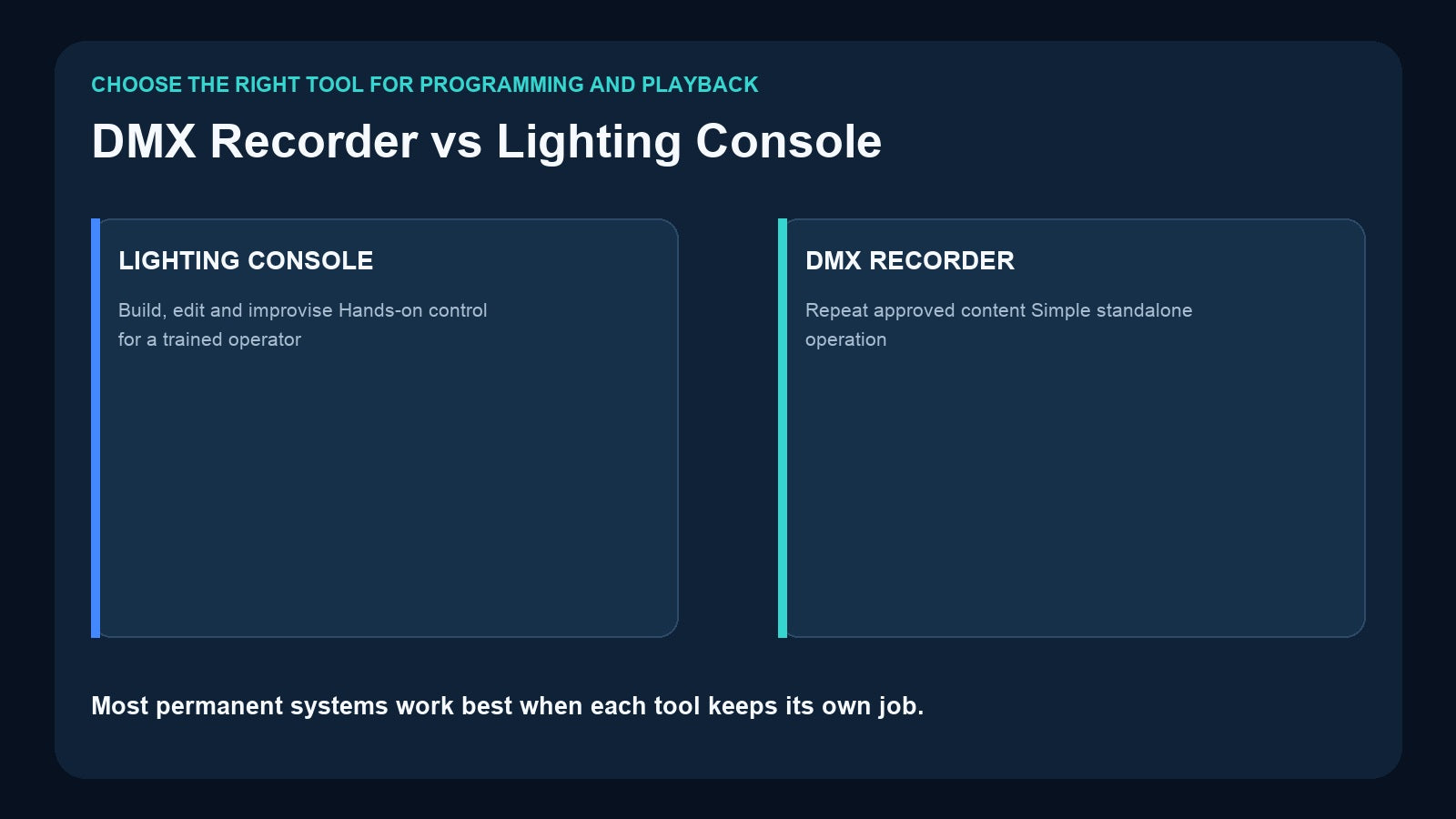
When a venue wants reliable lighting without keeping a technician at the controls, one question appears quickly: can a DMX recorder replace the lighting console?
Sometimes it can replace the console during routine playback—but it does not replace the console’s creative programming role. A lighting console is built to create, edit, and change a show. A DMX recorder is built to capture approved content and replay it consistently. In many fixed installations, the best answer is not one device or the other. It is a workflow in which the console programs the show and the recorder handles daily operation.
The Short Difference
A lighting console is an active programming and performance tool. It lets an operator patch fixtures, build palettes, edit timing, organize cues, adjust effects, and respond live.
A DMX recorder is a repeatable playback tool. It listens to the completed DMX output, stores a scene or changing timeline, and reproduces that result later without rebuilding the programming logic.
That difference explains most purchasing decisions:
- Choose a console when the lighting must change creatively from one performance to another.
- Choose a recorder when approved content should run the same way every day.
- Use both when a professional needs to program the system but ordinary staff need to operate it afterward.

What a Lighting Console Does Better
A console understands the lighting system as a collection of fixtures, attributes, groups, palettes, effects, cues, and timing. This makes it efficient to create and revise a show.
For example, a programmer can select all moving lights, change their position palette, adjust the color of only the back row, lengthen a fade, and update several cues. During a live event, the operator can respond to an extra speech, delay an entrance, bring up work light, or build a new look.
A recorder normally does not recreate that programming environment. It stores the resulting output. If a fixture changes address, a moving-light personality changes, or the design needs a new color treatment, the cleanest workflow is usually to return to the console, update the programming, test it, and record the revised result.
Keep the console as the primary tool when:
- Every performance is different.
- A trained lighting operator is present.
- Live busking or improvisation is required.
- Fixture palettes and effects need frequent editing.
- The show depends on complex cue-list logic.
- Rehearsal changes continue until performance time.
What a DMX Recorder Does Better
A recorder becomes valuable after the creative decisions are finished. It removes unnecessary complexity from routine playback.
A restaurant may need four looks every day: opening, dinner, private event, and cleaning. A retail display may repeat the same 90-second color and movement sequence. A small attraction may need a stored show to loop after power-up. In these cases, leaving the programming console in place can create more cost, training, and operational risk than value.
A recorder can provide:
- Consistent reproduction of approved content
- Standalone playback without the original console or computer
- Simple program selection for non-technical staff
- Removable storage for backup and transfer on supported models
- External triggering from DMX, buttons, apps, or control systems
- A smaller, more focused daily operating interface

The recorder does not make the show more creative. It makes the finished show easier to repeat.
A Recorder Is Not Automatically a Console Backup
It is tempting to call any recorder a “backup console,” but that description can be misleading. A recorded timeline can preserve the output of a programmed show, yet it may not provide fixture editing, live overrides, macros, timecode logic, or the same control surface as the console.
Define the required backup behavior precisely. Do you need:
- One emergency static look?
- A full prerecorded performance?
- Several selectable routines?
- Automatic loop playback?
- Manual control of individual fixtures during a fault?
A recorder can be an excellent playback backup when the required response is known and recorded in advance. It is not a substitute for a second console when technicians must continue editing or operating the show dynamically.
The Hybrid Workflow: Program Once, Operate Simply
The most practical fixed-install workflow has three stages.

1. Program on the console or software
Patch the fixtures, build the scenes and sequences, set fade times, and rehearse the complete result. Use the console because it provides the tools needed to create and correct the content.
2. Record the approved output
Choose the right storage format. A static look should be captured as a scene. Movement, fades, and changing effects must be recorded as a timeline or sequence. Confirm the universe count and record each item with a documented name or ID.
3. Hand playback to the daily operator
Give staff only the controls they need: labeled physical buttons, selected program IDs, an app interface, or commands from the venue’s control system. Document power-up, selection, stop/changeover, and recovery procedures.
This separates creative authority from routine operation. The console remains available when the design changes, but it does not need to stay connected for every normal playback session.
Choose the Recorder by Content Type
Not every DMX recorder stores the same kind of content.
The CM003 5-Button Scene Controller captures static scene data from DMX512, Art-Net, or sACN. Its five physical buttons support up to ten On Press and On Release scene actions. It suits venues that want immediate recall of approved looks.
The DR & PB MINI records a changing one-universe DMX stream, up to 512 channels, to microSD. Record IDs 1–255 make it possible to store and select multiple timelines. External DMX uses one channel for program selection and one for playback dimming.
The DR & MP 1024 expands to two universes and adds stored music playback, multiple playback modes, up to 255 programs, and auto-resume of the last active program after power interruption.
The 4-Universe Art-Net Recorder/Player handles four Art-Net universes and also operates as a four-port Art-Net-to-DMX node.
The CM002 provides four DMX inputs and outputs, TF-card playback, app control, audio outputs, and TCP/UDP/RS485 integration for fixed installations.

For a broader comparison, see Which DMX Recorder Do You Need?.
Design Around the Daily Operator
The person creating the show and the person running it may have completely different needs.

A lighting designer needs detailed control. A venue employee may need only “Open,” “Dinner,” and “Close.” Giving every operator access to the programming system can increase the chance of accidental changes, unclear show states, or inconsistent playback.
During commissioning:
- Agree on the final approved content.
- Record only the versions intended for daily use.
- Use clear button labels or program names.
- Write down trigger values and record IDs.
- Test behavior after power loss.
- Keep a backup of removable storage where applicable.
- Define who is authorized to re-record content.

When Should You Keep the Console Connected?
Keep the console in the operating system when live flexibility is more important than simplicity. That includes touring productions, changing cue lists, improvised music events, and shows that require a technician to respond continuously.
Move routine playback to a recorder when the content is stable and the goal is repeatability. Typical examples are churches with a small set of service looks, banquet halls with standard packages, museums, retail displays, themed rooms, building façades, and recurring venue events.
If only part of the show is fixed, use a hybrid arrangement. The recorder can handle a repeatable attraction or background sequence while the console remains available for the main live performance—provided the signal routing and system behavior are deliberately designed and tested. Do not assume that two sources can share one DMX line without appropriate switching, routing, or merge equipment.
Frequently Asked Questions
Can a DMX recorder completely replace a console?
It can replace the console for playback of content that has already been recorded. It does not replace the console’s fixture programming, editing, or live improvisation tools.
Can I edit individual fixtures inside a recording?
Recorder workflows generally focus on capturing output. For substantial changes, edit the source show on the console or software, test it, and record the updated result.
Is a scene recorder enough for moving lights?
It can save a moving light’s current position and attributes as a static scene. To preserve movement over time, use a sequence recorder.
What should I back up?
Back up removable storage and keep a written list of program IDs, button assignments, universe mapping, and the source console show file.
Final Recommendation
Choose a lighting console to create and change a show. Choose a DMX recorder to repeat approved content. For most permanent venues, the strongest workflow is to program professionally, record deliberately, and give staff a simple playback interface.
Before selecting hardware, define whether the content is a scene, sequence, or complete show, then confirm the universe count and trigger method. That decision will tell you whether you need simple scene buttons, one-universe sequence storage, music playback, Art-Net scale, or control-system integration.
Need help matching a recorder to your DMX system? Review the linked product pages or contact Pknight with your universe count, signal type, playback content and preferred trigger method.