
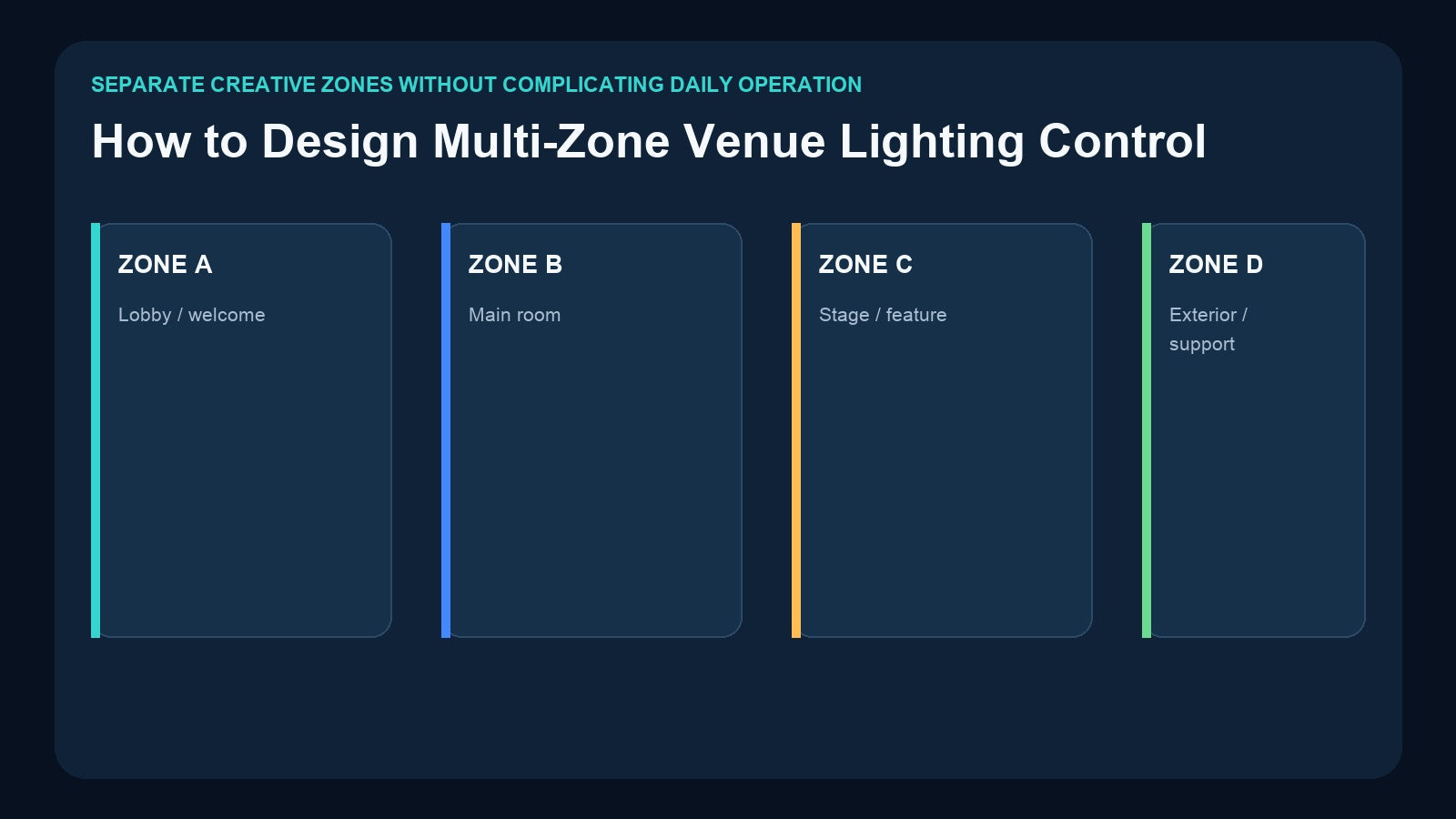
A banquet hall, bar, church, exhibition, restaurant, or multipurpose venue rarely has only one lighting area. The lobby may need a welcoming look, the main room may change during service, the stage may run timed effects, and exterior lighting may follow another schedule.
The technical system must keep those zones controllable, but the daily interface should remain simple. Good multi-zone design separates three questions: what is a zone, where is its DMX data carried, and who is allowed to change it?
A Zone Is Not Automatically a DMX Universe
A zone is an operational concept. It can mean a physical room, a fixture group, or an area that should change independently.
A DMX universe is a signal space containing up to 512 slots. The two concepts often relate, but they are not identical.

For example:
- Lobby and corridor fixtures may share one universe but use different address ranges.
- A large ballroom zone may span two universes because its fixtures use many channels.
- Four physical output ports may feed four cable areas, even if the creative zones are organized differently.
- Several zones may be recalled together as one whole-venue scene.
Do not begin by saying “we have four rooms, so we need four universes.” Build the fixture patch and operational zone schedule first. For channel calculations, see How Many DMX Universes Do You Need?.
Build a Zone Schedule Before Choosing Hardware

Create one row for every operational area and record:
Zone name and purpose
Use names that staff understand: Lobby, Ballroom, Stage, Bar, Exterior, Cleaning, or Photo Area.
Fixture patch
List models, DMX personalities, starting addresses, universe numbers, and physical output lines.
Required content
Does the zone need static scenes, timed sequences, stored music, or live control? A lobby may use static looks, while a stage needs a changing timeline.
Daily operator
Will the zone be controlled by venue staff, a lighting technician, an app, a schedule, or a central AV system?
Recovery state
After power loss, should the zone wait, return to a known static state, or resume a program when the product supports it?
This schedule prevents a common mistake: selecting hardware by port count before understanding the content and operation.
Decide Which Zones Must Be Independent
Independence has a cost in channels, outputs, control logic, and operator choices. Ask:
- Must the lobby change without affecting the ballroom?
- Can the stage and feature wall share the same show selection?
- Does exterior lighting follow a schedule rather than staff buttons?
- Should cleaning mode affect every zone at once?
- Is one zone allowed to run a sequence while another remains static?
If two areas always change together, they may be treated as one control zone even if they are physically separate. If they need different timing, dimming, or ownership, keep them independent.
Separate the Programming Layer from the Operator Layer
A multi-zone system can be complex behind the scenes and still simple for staff.

The lighting designer uses a console or software to patch fixtures and create the full system. A recorder or show controller stores approved content and routes outputs. Staff then receive only the required buttons, app pages, program selections, or automation presets.
This division reduces accidental changes and training time. It also makes responsibility clear:
- Designer controls fixture-level programming.
- Integrator controls routing, recording, and automation.
- Venue staff recall approved operational states.
For the broader handoff workflow, read DMX Recorder vs Lighting Console.
Architecture 1: Four Art-Net Universes and Four DMX Outputs
The Pknight 4-Universe Art-Net DMX Recorder/Player is suitable when the venue already uses or benefits from Ethernet lighting distribution.
It provides:
- Four Art-Net universes, up to 2048 channels
- Four Art-Net-to-DMX output ports
- Selectable DMX input to Art-Net operation
- microSD recording and standalone playback
- External two-channel DMX playback control
- RDM-ready outputs for compatible equipment
- DHCP or manual IP configuration
This architecture can send network universes to a node/recorder located near the zone cable lines. Each output may feed a stage, ballroom, lobby, or exterior branch—but output assignment should follow the documented patch, not a casual assumption that one port always equals one room.
The recorder/node combination reduces separate hardware roles and provides standalone playback after the original console or computer is removed.
Architecture 2: Four Physical DMX Inputs and Outputs with System Integration
The Pknight CM002 takes a fixed-installation integration approach.
It provides:
- Four DMX512 inputs and four outputs
- Recording from a lighting console to TF card
- Standalone, loop, and one-touch playback
- CM-Pro mobile/tablet app control
- 3.5mm and left/right TRS audio outputs
- TCP, UDP, and RS485 command integration
This suits banquet halls, bars, theaters, exhibition spaces, landscapes, and event venues where lighting needs to participate in a larger AV or smart-venue system.

Choose between these architectures by transport and control requirements:
- Use the 4U Art-Net Recorder when multi-universe Ethernet distribution and node output are central.
- Use CM002 when four physical DMX paths, app management, audio outputs, and TCP/UDP/RS485 integration are central.
Add a Simple Physical Scene Layer with CM003
The CM003 5-Button Scene Controller can turn professionally programmed static looks into a simple staff interface.
It records scene data from DMX512, Art-Net, or sACN and provides five physical buttons with up to ten On Press/On Release scene actions.

Useful whole-venue or zone-related buttons might be:
- Open Venue
- Dinner
- Presentation
- Cleaning
- Close Venue
The exact scene can contain channel values for one zone or several zones, depending on the configured address/channel scope and system design. CM003 is a scene controller, not a multi-universe routing engine or timeline recorder. Use the 4U Art-Net Recorder, CM002, or another appropriate system layer for routing and changing sequences.
Do not assume CM003 remains inline with a live console for merged simultaneous operation. Design clear source selection and signal routing for each operating mode.
Static Zones and Timed Zones Can Coexist
A practical venue may combine:
- Static lobby and dining scenes
- A timed stage entrance sequence
- Music-synced ballroom packages
- Automated exterior looks
- A whole-venue cleaning scene
The storage format should follow the content. CM003 handles static scene recall. DR & PB MINI can store a one-universe changing timeline. DR & MP 1024 handles two-universe programs with matched stored music. The 4U Art-Net Recorder scales networked timelines to four universes, while CM002 emphasizes fixed-install integration.
Use Which DMX Recorder Do You Need? to match content type and scale after the zone schedule is complete.
Design the Operator Choices Carefully
Too many zone choices can make a technically flexible system difficult to operate. Instead of exposing every fixture group, build approved combinations.
For example, a banquet operator might see:
- Guest Arrival
- Dinner
- Speech
- First Dance
- Party
- Cleaning
Each selection can affect several zones according to a tested plan. If independent zone override is necessary, reserve it for trained staff or a protected app/AV interface.
Document which selection has priority. A physical button, app command, external DMX value, and automation preset should not compete without a defined control design. Read How to Trigger a Standalone DMX Show for trigger choices.
Commission One Zone at a Time
Use a repeatable process:
- Verify fixture addresses and modes in Zone A.
- Confirm the correct universe and physical output.
- Test static looks and timelines for that zone.
- Verify local and central trigger methods.
- Repeat for every zone.
- Test whole-venue scenes that change several zones together.
- Test simultaneous playback requirements.
- Perform a full power-cycle and recovery test.
- Back up cards, show files, maps, and command documentation.
Testing one zone at a time makes address, mapping, and cable faults easier to locate. Whole-system testing then confirms that the zones interact correctly.
Product Map for Multi-Zone Venues

| Requirement | Pknight workflow |
|---|---|
| Four Art-Net universes and four DMX output branches | 4U Art-Net Recorder/Player |
| Four physical DMX input/output paths plus app and automation | CM002 |
| Simple physical recall of approved static scenes | CM003 |
| One-universe timed sequence | DR & PB MINI |
| Two-universe show with matched stored music | DR & MP 1024 |
The products can serve different layers, but combining them requires deliberate source selection, address planning, and trigger documentation. Do not connect multiple DMX sources to one line without appropriate switching, routing, or merge equipment.
Frequently Asked Questions
Does every venue zone need its own DMX universe?
No. Several zones can share one universe if their address ranges fit, while one large zone can span multiple universes.
Does every DMX output equal one zone?
Not necessarily. An output is a physical signal path; a zone is an operational grouping. Document how they map in the installation.
Can CM003 control several zones with one button?
A stored scene can contain channel values covering the configured scope, so one approved scene may affect multiple fixture groups. It remains static scene recall, not multi-universe routing or sequence storage.
Which product is better for a smart banquet hall?
CM002 fits projects centered on four physical DMX paths, CM-Pro app operation, audio outputs, and TCP/UDP/RS485 integration. A four-universe Art-Net network design may instead favor the 4U Art-Net Recorder/Player.
Final Recommendation
Start with the zone schedule, not the product. Define each area, fixture patch, required content, operator, trigger method, and recovery state. Then decide whether the architecture is based on physical DMX paths, Art-Net universes, or a combination.
Use the Pknight 4U Art-Net Recorder for networked four-universe distribution and recording, CM002 for four-port fixed-install control and AV integration, and CM003 to give staff simple access to approved static scenes. The best multi-zone system keeps technical flexibility behind the scenes and presents only clear, repeatable choices to daily operators.
Need help matching a recorder to your DMX system? Review the linked product pages or contact Pknight with your universe count, signal type, playback content and preferred trigger method.