
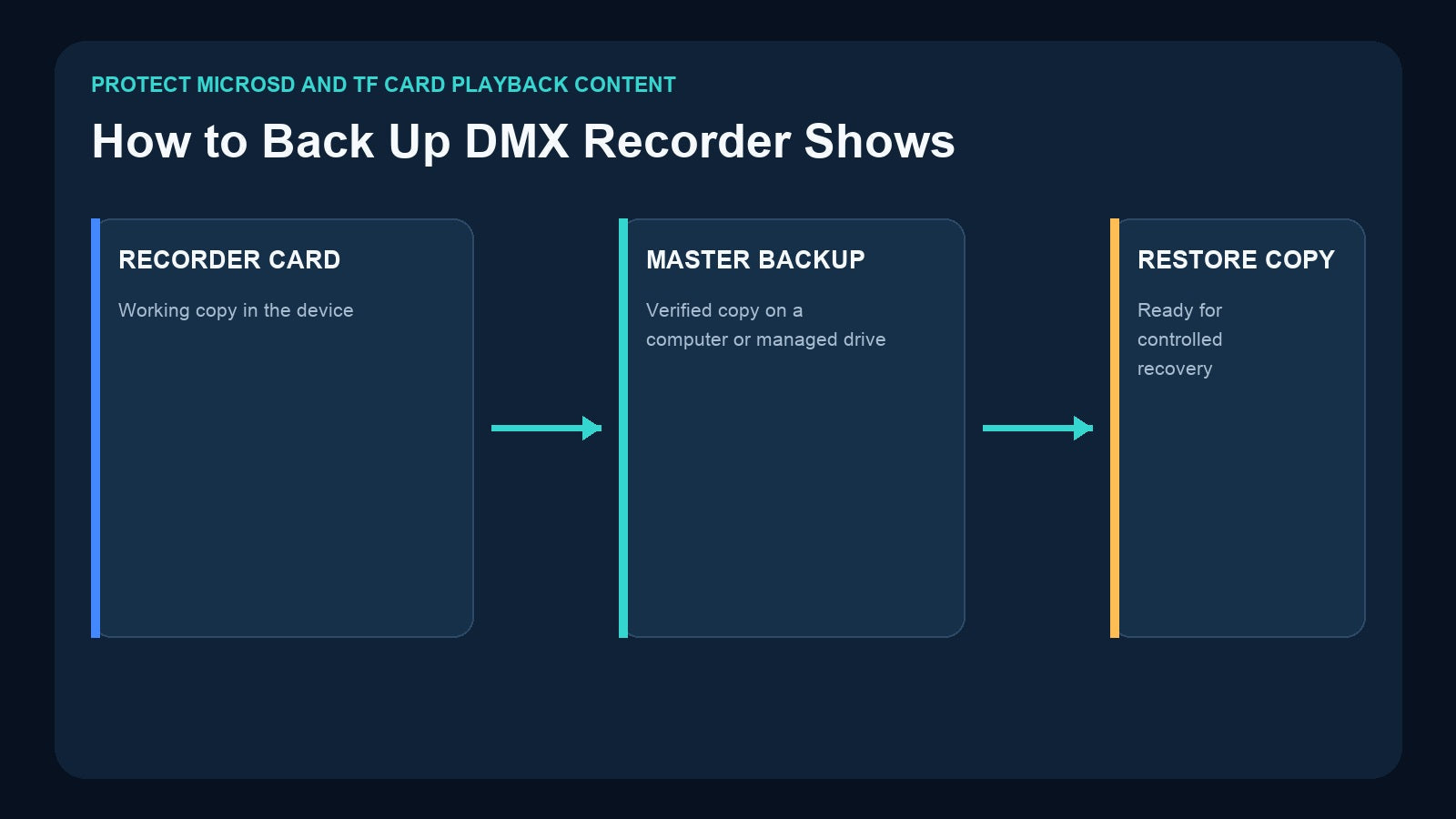
A standalone DMX recorder can remove the console and computer from daily operation, but the recorded show still exists as data. If the only working copy is on one card inside one device, a damaged card, accidental overwrite, or last-minute edit can turn a convenient system into a difficult recovery job.
A good backup is more than copying a folder. It preserves the show files, music where applicable, program IDs, trigger assignments, universe mapping, playback settings, and the information another technician needs to restore the system correctly.
Why DMX Recorder Backups Matter
Standalone playback is often installed specifically because the venue wants repeatable operation without the original programming system. That makes the recorder’s storage operationally important.
The DR & PB MINI product page explicitly advises users to back up the microSD card to prevent data loss. Its recorded programs are saved as files, making backup and transfer a practical part of show management.
Other Pknight workflows also use removable storage:
- DR & PB MINI: removable 32GB microSD for one-universe recordings.
- DR & MP 1024: removable 32GB microSD for DMX programs and matched music files.
- 4U Art-Net Recorder/Player: microSD recording and standalone playback for four Art-Net universes.
- CM002: TF-card storage for standalone and loop playback.
Removable storage makes copying possible, but it does not create a backup by itself. A card is only a backup if another verified copy exists somewhere else.
Back Up the Complete Show Package
The visible DMX recording is only one part of the system.

A complete package should include:
Recorded content
Copy all recorder-created files and folders. Preserve the original directory structure instead of moving only the files that appear important. For DR & MP 1024, include the matched music media required by the approved programs.
Program map
Create a simple list that connects each Record ID to a human-readable name:
- ID 1 — Welcome Look
- ID 2 — Product Reveal
- ID 3 — Dinner Sequence
- ID 4 — Closing Fade
The recorder may know only the numeric ID; the venue team needs to know what the number means.
Trigger map
Document physical button labels, external DMX starting addresses, program-selection values, master dimming values, app names, and automation commands. A restored card is not enough if nobody knows how the external controller selects its shows.
Signal map
Record universe numbers, physical output assignments, fixture-line labels, network settings, and Art-Net universe mapping where applicable.
Operating state
Write down the expected playback mode, loop or single-run choice, music relationship, and power-up behavior. Record the model and relevant product/firmware context used when the package was tested.
Use a Practical 3-2-1 Strategy
The traditional 3-2-1 backup principle is useful for show files:
- Keep three copies of the approved package.
- Use two types or locations of storage, such as the working card and managed computer storage.
- Keep one copy separately from the venue equipment.

A practical small-venue version might be:
- The tested working card installed in the recorder.
- A clearly labeled restore card stored securely on site.
- A dated archive on a managed office computer, server, or controlled cloud drive.
The separate copy protects against theft, water damage, electrical incidents, or an incorrect update affecting all equipment at the venue.
Version Every Approved Change
Do not name every backup “final.” Use a consistent version system that identifies date, venue, and approval status.

For example:
GrandHall_LightingShow_2026-08-13_v03_APPROVED
Inside the archive, include a short change log:
- v01 — Initial commissioning
- v02 — Updated dinner transition
- v03 — Added closing sequence; approved after full power-cycle test
Never overwrite the only known-good version during a last-minute edit. Copy the previous version, make changes in a new version, test it, and mark it approved only after commissioning checks pass.
Safe Card Handling Workflow
Removing storage while the device is recording, writing, or actively using files can risk corruption. Follow the current product instructions and use a controlled process.

- Stop recording and playback.
- Use the documented shutdown or power-down procedure.
- Remove the card carefully and confirm its label.
- Copy the full card contents to a new dated folder.
- Verify the copy before changing any files.
- Eject the card properly from the computer.
- Return it to the correct recorder and orientation.
- Power up and test an approved show from beginning to end.
Avoid using the working card as a general file-transfer device. Keep edits and experiments on a separate controlled copy whenever possible.
Verify the Backup Instead of Assuming It Works
A copied folder is not yet a proven recovery package. Verification should include:
- The copied file and folder count is plausible.
- File sizes are not zero or unexpectedly different.
- The card can be read without errors.
- Program IDs still correspond to the correct shows.
- Music and lighting start together on DR & MP 1024 where used.
- External DMX or button triggers still select the expected content.
- Art-Net universe and physical output mapping remain correct.
- A full power cycle produces the documented operating state.
The strongest test is a controlled restore rehearsal using a spare compatible card and the same recorder model. Do this during scheduled maintenance, not immediately before an event.
Product-Specific Backup Considerations
DR & PB MINI
DR & PB MINI stores one-universe recordings under Record IDs 1–255 on a removable microSD card. Back up the complete card and maintain an ID-to-show list. Also preserve the external DMX starting address and the two-channel selection/dimming mapping used by the controller.
DR & MP 1024
DR & MP 1024 stores up to 255 two-universe programs and matched music on removable 32GB microSD. Back up lighting and audio together, preserving the structure that links them. Document whether each program uses music-duration, DMX-duration, or continuous-loop playback, and note the expected auto-resume behavior.
4U Art-Net Recorder/Player
This unit records four Art-Net universes to microSD and also acts as a four-output node. Back up the card plus IP method, address, universe mapping, output-port labels, and external DMX trigger configuration. Show files without the network map may be difficult to restore correctly.
CM002
CM002 stores fixed-install show content on TF card and supports CM-Pro app operation plus TCP, UDP, and RS485 integration. Back up the card along with app workflow, audio-file relationships, command documentation, and the four input/output line assignments.

Create a One-Page Backup Record
Every recorder should have a short document stored both digitally and near the equipment.

Include:
- Product model and device label
- Working-card label and capacity
- Approved archive name and date
- Program IDs and descriptive show names
- Trigger method and control values
- Universe and output-port mapping
- Network or serial settings where applicable
- Playback and power-up behavior
- Date and result of the latest restore test
- Person authorized to approve changes
This turns a collection of files into a maintainable system.
How Often Should You Back Up?
Back up after every approved content or configuration change. Also perform scheduled verification for permanent installations, especially before high-value events or seasonal show changes.
A useful workflow is:
- Before editing: archive the current approved version.
- After editing: create a new candidate version.
- After testing: mark the candidate approved and make restore copies.
- During maintenance: confirm that the archive can still be read and the restore procedure remains accurate.
Do not rely on memory to decide whether the latest version was copied. Use a change log and approval status.
Frequently Asked Questions
Can I copy only the individual show files?
Copying the full card structure is safer unless the current product documentation specifically defines a file-level transfer procedure. It reduces the chance of omitting required folders or linked media.
Is a spare card inside the same rack enough?
It is useful for quick restoration but does not protect against theft, fire, water, or a venue-wide incident. Keep another approved copy separately.
Should music files be backed up with DMX programs?
Yes, when the workflow uses matched stored music, as with DR & MP 1024. Preserve both content types and their relationship.
Can I restore a card to a different recorder model?
Do not assume cross-model compatibility. Use the same supported model and current product instructions, then test the restored package before relying on it.
Final Recommendation
Treat the recorder card as the working copy, not the archive. Keep a dated master backup, a tested restore copy, and documentation that explains program IDs, triggers, universe mapping, playback modes, and recovery behavior.
The Pknight recorder range makes removable show storage practical; disciplined backup makes that storage dependable. For the next operational step, read How to Trigger a Standalone DMX Show and make sure the restored content can still be selected by the people and systems that use it.
Need help matching a recorder to your DMX system? Review the linked product pages or contact Pknight with your universe count, signal type, playback content and preferred trigger method.