
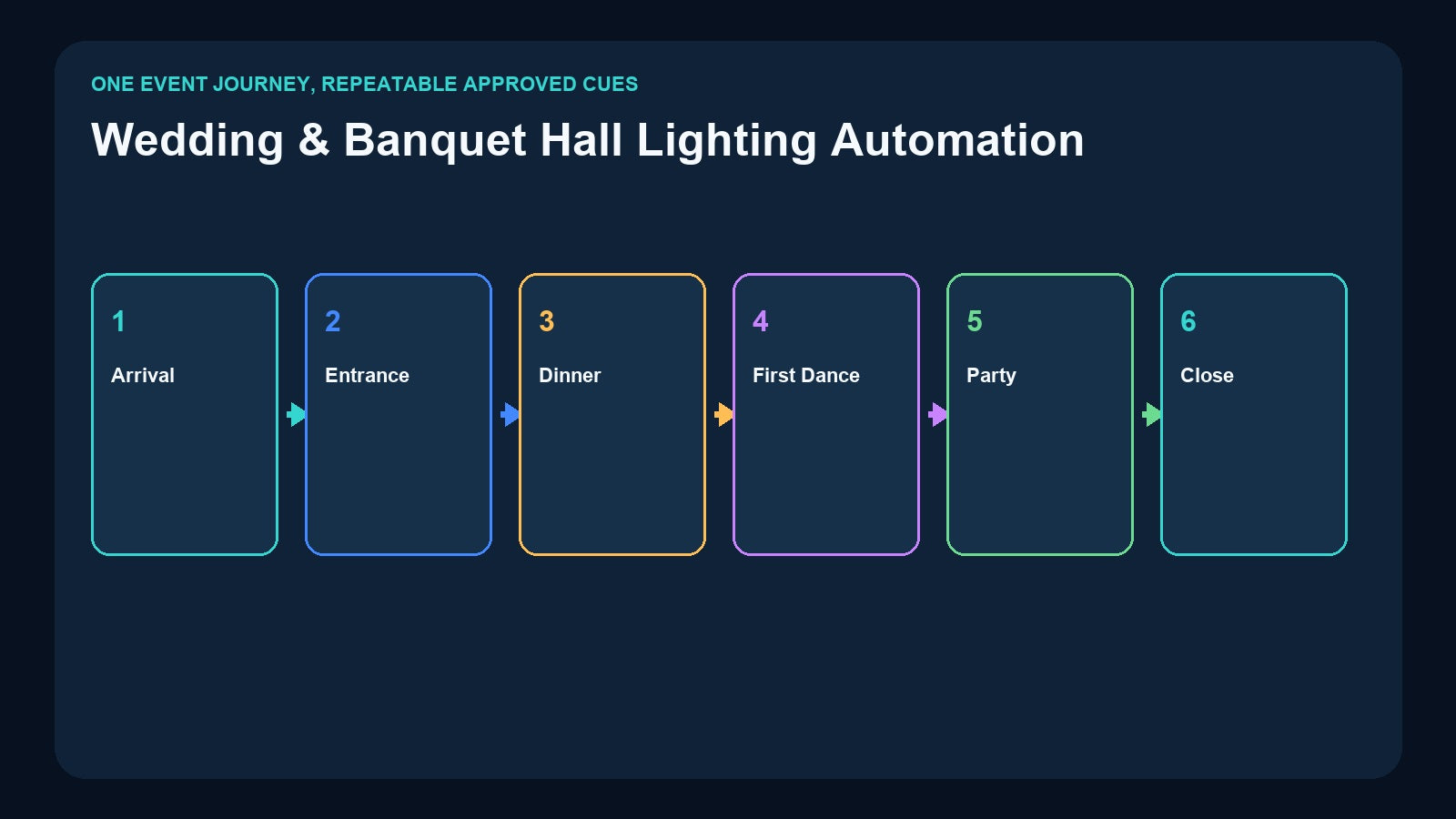
A wedding venue repeats the same operational journey—guest arrival, entrance, dinner, speeches, first dance, party, and closing—but every event also contains personal details. That combination makes lighting automation valuable and easy to get wrong.
If everything is reduced to generic presets, the event loses its character. If every cue requires a lighting programmer at the console, routine operation becomes expensive and fragile. A better design keeps professional programming at the creative stage, stores approved content for repeatable playback, and gives venue staff the right trigger for each moment.
This guide explains how CM003, DR & PB MINI, DR & MP 1024, and CM002 can serve different parts of that workflow.
Map the Event Journey Before Choosing a Controller
Start with a written event timeline. For each phase, record four things:
- The visual objective: welcoming, formal, intimate, energetic, or practical.
- The affected zones: lobby, ballroom, stage, dance floor, feature wall, or exterior.
- The content type: static scene, timed DMX sequence, or music-led package.
- The operator: banquet staff, DJ, AV technician, app user, or central control system.
A useful standard library might include Guest Arrival, Dinner, Speech, First Dance, Party, Cleaning, and Close Venue. Customer-specific entrance or first-dance programs can then be added without rebuilding every routine state.
This event map also reveals where manual confirmation is essential. A schedule should not automatically start a first-dance show if the photographer, couple, and music operator are not ready. Automation should make a confirmed cue repeatable, not make human coordination disappear.
Match Each Cue to the Correct Content Type

Not every wedding moment needs a moving timeline.
Static scenes
Guest arrival, dinner, speeches, room cleaning, and closing often work as static scenes. Fixtures move to the approved values and stay there until the next selection. A static preset is easy to understand and easy to interrupt if the event timing changes.
Timed DMX sequences
A room reveal, entrance, or short first-dance transition may contain changes in intensity, color, position, and movement over time. That content must be recorded as a changing DMX stream rather than a single snapshot.
Stored music and DMX programs
When a venue supplies both the soundtrack and the programmed lighting package, storing matched music and DMX content in the same playback workflow can simplify repeatability. This is different from sound-active lighting, where fixtures react generically to an audio signal. Read Music-Synced vs Sound-Active DMX Lighting for the distinction.
Use CM003 for the Standard Venue Looks
The Pknight CM003 5-Button Scene Controller captures static scene data from DMX512, Art-Net, or sACN and provides five physical buttons with up to ten On Press/On Release actions.
In a wedding venue, those buttons can recall stable operational states such as:
- Guest Arrival
- Dinner
- Speech
- Party
- Cleaning
Physical buttons work well when several banquet staff members rotate through the room. The interface remains visible, labels can use the venue’s language, and no personal phone or complex console page is required.
CM003 does not record a first-dance timeline. It should be positioned as the simple static-scene layer, not as a show recorder. If one button needs to select an externally stored program, its scene values can be deliberately mapped to a recorder’s control channels after the complete routing has been commissioned.
Use DR & PB MINI for a One-Universe Entrance or Reveal
The Pknight DR & PB MINI records a changing one-universe DMX stream, up to 512 channels, to a removable 32GB microSD card. It supports program IDs 1–255 and external two-channel DMX playback selection: program on Channel 1 and dimming on Channel 2.
This fits a compact ballroom or event zone where a console creates a timed entrance, room reveal, or dance-floor sequence, then the recorder replays it without keeping the console on site.
Before recording, confirm that the entire required fixture patch fits within one universe. Also decide how the venue returns from the sequence to the next static state. The end of a beautiful entrance is still an operational transition; write it into the run sheet.
Use DR & MP 1024 When Stored Music Is Part of the Package
The Pknight DR & MP 1024 handles two universes, up to 1024 channels, and up to 255 programs. It can play stored music matched to the DMX show, use a single-run mode based on music or DMX duration, or run continuously. It also supports automatic resumption of the last active program after a power interruption, plus optional USB wireless trigger and app operation.
This can support standardized venue packages such as a room reveal, house signature entrance, or a pre-produced dance presentation where the venue controls both the approved audio file and lighting timeline.
It does not remove music licensing, client approval, sound-system design, or rehearsal requirements. Verify the exact audio file, output routing, level structure, program mapping, and stop behavior before the event. If a DJ or band supplies live or independently timed music, coordinate a clear cue instead of assuming two separate playback systems will remain synchronized.
Use CM002 for a Fixed Banquet-Hall System
The Pknight CM002 is aimed at broader fixed-installation operation. It provides four DMX inputs and four outputs, TF-card recording and standalone playback, CM-Pro mobile/tablet app control, 3.5mm and left/right TRS audio outputs, and TCP/UDP/RS485 command integration.
Those capabilities suit a banquet hall where lighting must participate in an AV or smart-venue system. A central interface can present approved event modes, while the technical team retains deeper recording and editing access through the appropriate workflow.
Integration commands should be commissioned as a system, not copied into a job without testing. Record destination addresses, port mappings, program names, command behavior, and network settings. Define which interface has authority if an app, automation command, physical panel, and live console are all present.
Program Once, Then Run Each Event Reliably

A repeatable production process protects both creativity and operations.
Brief
Confirm the room plan, client colors, important moments, soundtrack ownership, photo/video needs, and any fixture or scenic changes. Do not rely on last season’s patch.
Program
Create the looks and timelines on a console or lighting software. Test camera exposure, projection surfaces, table lighting, emergency paths, and transitions between event phases.
Record
Store standard static looks in CM003. Store one-universe timelines in DR & PB MINI. Use DR & MP 1024 when a two-universe show and matched stored music are required, or CM002 when the fixed venue needs four-port and system integration.
Name
Use one naming system across the event order, recorder IDs, button labels, app pages, and backup notes. Include a revision date for custom programs.
Rehearse
Run every high-value transition with the person who will trigger it. Confirm the cue phrase, expected delay, playback duration, end state, and abort method.
Operate
On event day, staff select approved content instead of editing fixtures. Keep a manual fallback look available throughout the event.
Choose the Operator Interface Deliberately

Physical buttons are fast and easy for routine static states. An app can expose more venue choices and support authorized mobile operation. TCP, UDP, or RS485 commands can place lighting inside a central AV interface. External DMX can let a console or other controller select stored programs.
None is automatically best. Choose by staff role, required number of choices, access control, and system ownership. Then document priority. A wedding coordinator pressing Dinner while an AV automation starts First Dance should not create an undefined result.
For trigger planning, see How to Trigger a Standalone DMX Show.
Design the Music Workflow, Not Just the Lighting

If the venue supplies stored music, treat audio as part of the show package. Keep a controlled master file and document its filename, length, level, edit version, and relationship to the DMX program. Test the complete signal path through the installed sound system.
DR & MP 1024 emphasizes matched stored music and two-universe DMX programs. CM002 emphasizes four-port fixed installation with audio outputs, app control, and external system commands. The choice depends on channel scale and integration—not simply whether the word “music” appears in the event brief.
For client-selected tracks controlled by a DJ, it may be safer to let the DJ own audio playback and trigger a separately prepared lighting cue at a confirmed moment. The production team should decide this responsibility during planning.
Always Build a Fallback

A custom program can change shortly before the event. The standard venue library should remain available even if the custom content is not approved.
Build at least these fallback layers:
- A safe general room look.
- A speech look with consistent face lighting.
- A party look that does not depend on a recorded timeline.
- A cleaning and closing state.
- A documented method to stop, restart, or bypass a recorded program.
Perform a cold-start test and a complete event rehearsal. Confirm what happens after power loss, missing network data, an unavailable app device, or removal of the live console. Back up the console file, recorder media, patch, trigger map, audio masters, and revision notes.
Product Map for Wedding and Banquet Venues

| Venue requirement | Pknight workflow |
|---|---|
| Five physical buttons for standard static looks | CM003 |
| One-universe timed entrance or reveal | DR & PB MINI |
| Two-universe show with matched stored music | DR & MP 1024 |
| Four physical DMX paths with app, audio, and AV integration | CM002 |
| Four-universe Art-Net network recording and node output | 4U Art-Net Recorder/Player |
Select from the completed patch, content type, trigger method, audio responsibility, and recovery plan. A reliable venue system is not the one with the most features; it is the one staff can run correctly under event pressure.
Frequently Asked Questions
Can CM003 run a complete first-dance light show?
It can recall static looks, but it does not store a changing timeline. Use DR & PB MINI, DR & MP 1024, CM002, or another timeline-capable system according to scale and integration.
Which product is best when the venue supplies both music and lighting?
DR & MP 1024 is designed around two-universe DMX programs with matched stored music. CM002 is a stronger fit when four-port fixed-installation and AV-system integration are central.
Can a DJ trigger the recorder?
A suitable external control workflow can be designed, including external DMX on supported recorders. Confirm the DJ equipment, channel mapping, responsibility, and rehearsal process before promising compatibility.
Should every wedding receive a custom program?
No. Maintain a tested standard scene library and add custom content only where it materially supports the event and can be approved and rehearsed.
What should happen if the custom show cannot run?
Staff should immediately recall a documented safe static look and continue the event. The fallback must be rehearsed, not invented during the reception.
Need help matching a recorder to your DMX system? Review the linked product pages or contact Pknight with your universe count, signal type, playback content and preferred trigger method.